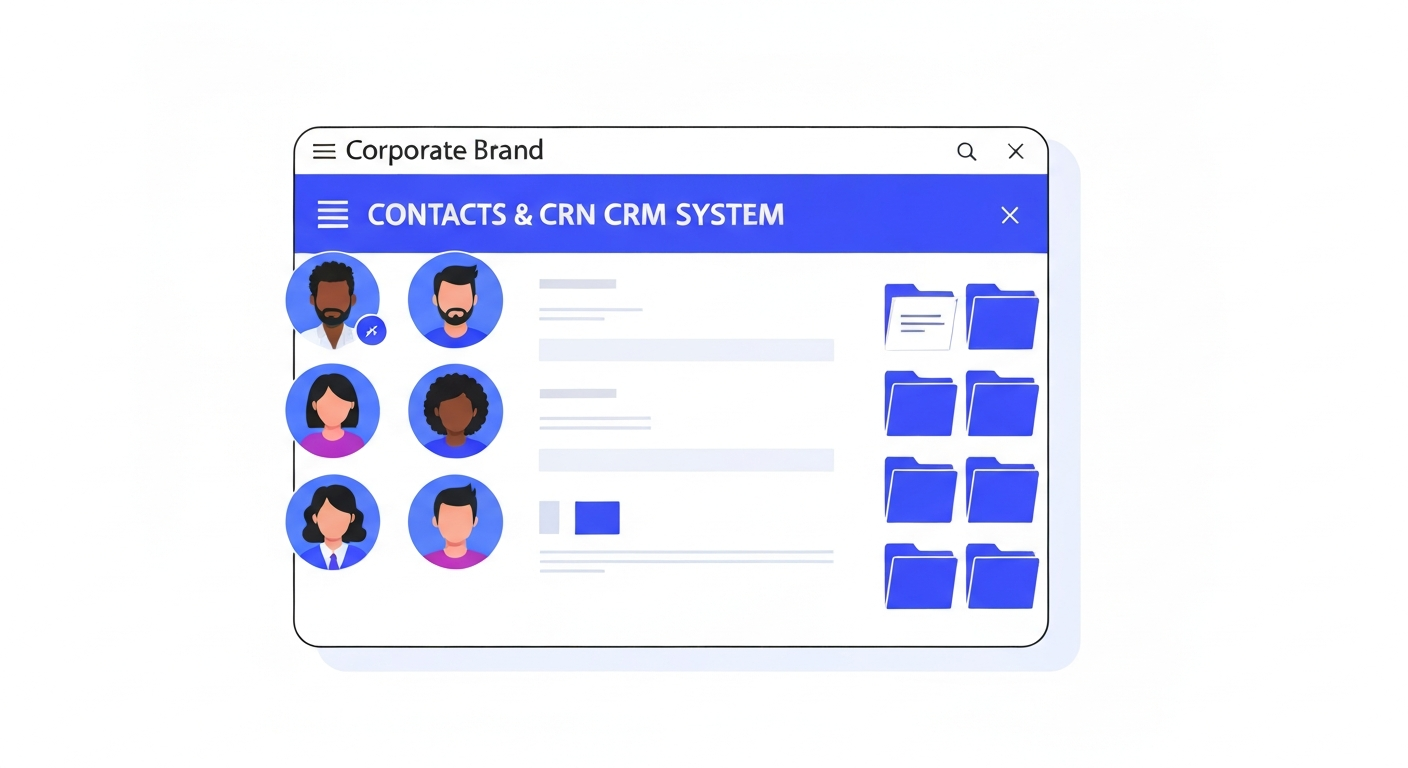
Understanding DND (Do Not Disturb) Settings
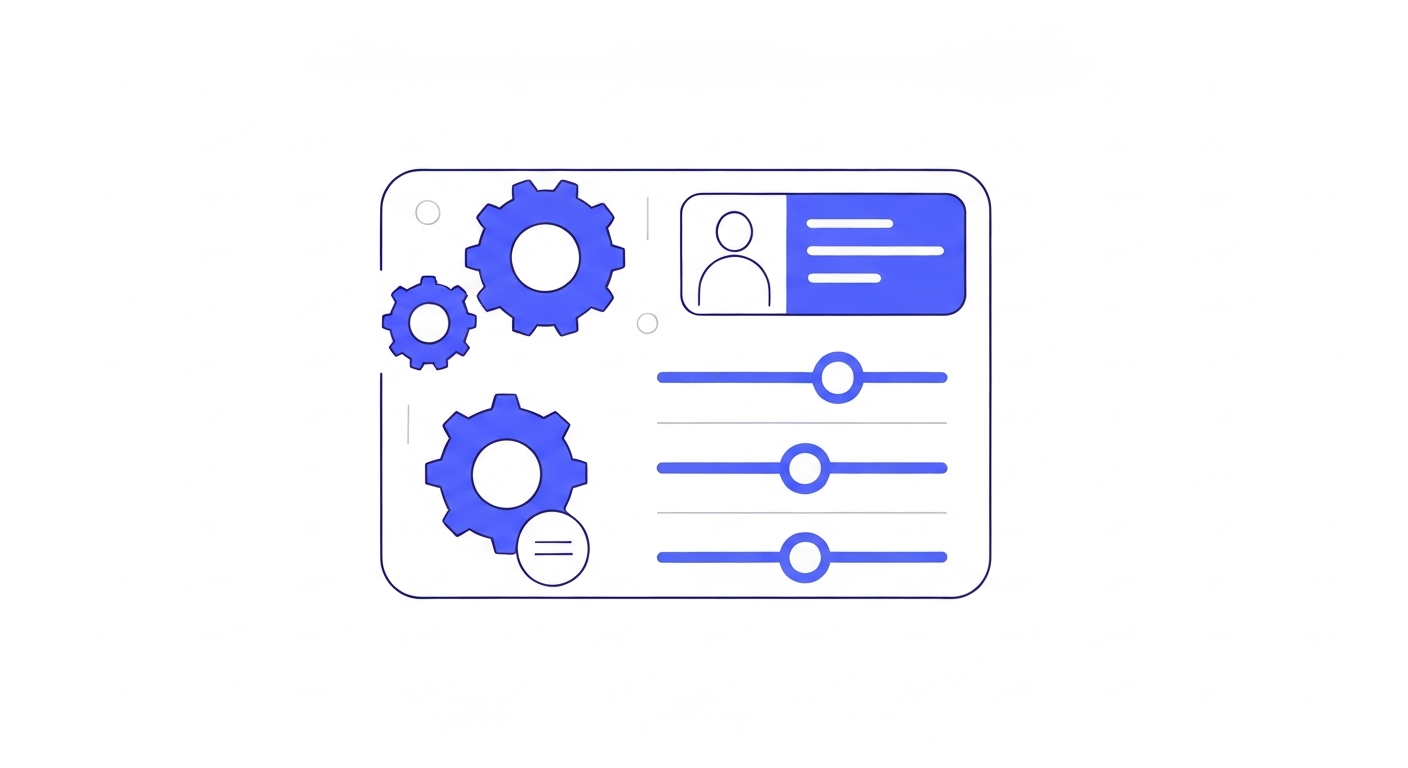
DND settings ensure you comply with spam laws by preventing automated messages from sending to people who have opted out.
Automatic DND
If a contact replies "STOP" to an SMS, or clicks "Unsubscribe" in an email, the system automatically flags their specific channel as DND. Workflows will skip sending messages to that channel.
Manual DND Toggles
You can manually toggle DND for a contact. Open their record, scroll down the left panel to the DND section, and you can selectively disable Emails, SMS, Calls, or toggle "DND All Channels" if they request no further contact.
Was this article helpful?
New to CastaLink? Discover how our all-in-one platform can help you capture and close more leads.
Learn More