Understanding the Activity Timeline

The Activity Timeline is the source of truth for a contact's journey. It tracks page visits, form submissions, appointments, and more.
Accessing the Timeline
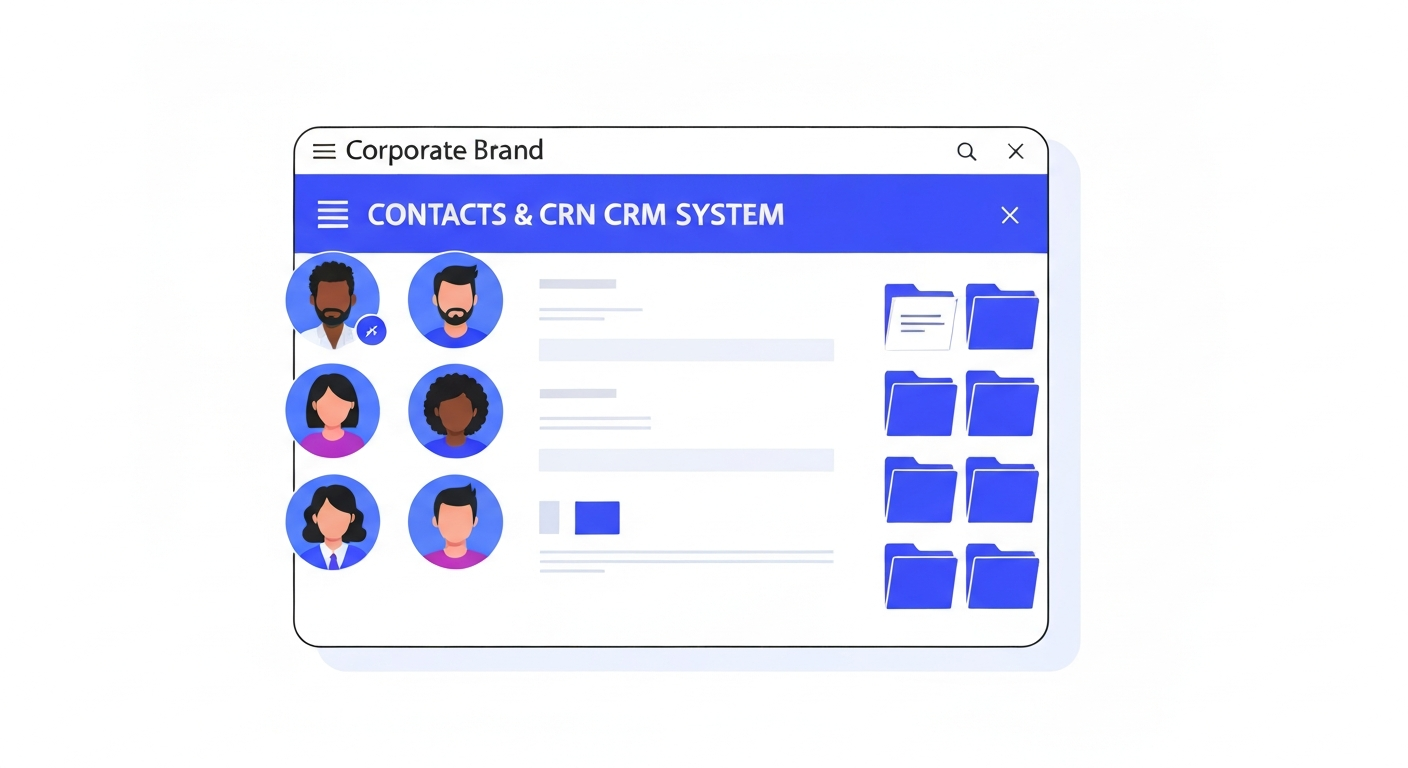
Click on any contact's name to open their profile. The middle panel defaults to the "Conversations" view. Click the Activity tab at the top of that panel.
What it Tracks
You will see a timestamped list of events, including which specific pages they visited on your CastaLink websites, which forms they submitted, and when they clicked links in your emails.
Was this article helpful?
New to CastaLink? Discover how our all-in-one platform can help you capture and close more leads.
Learn More