Setting up your Company Profile
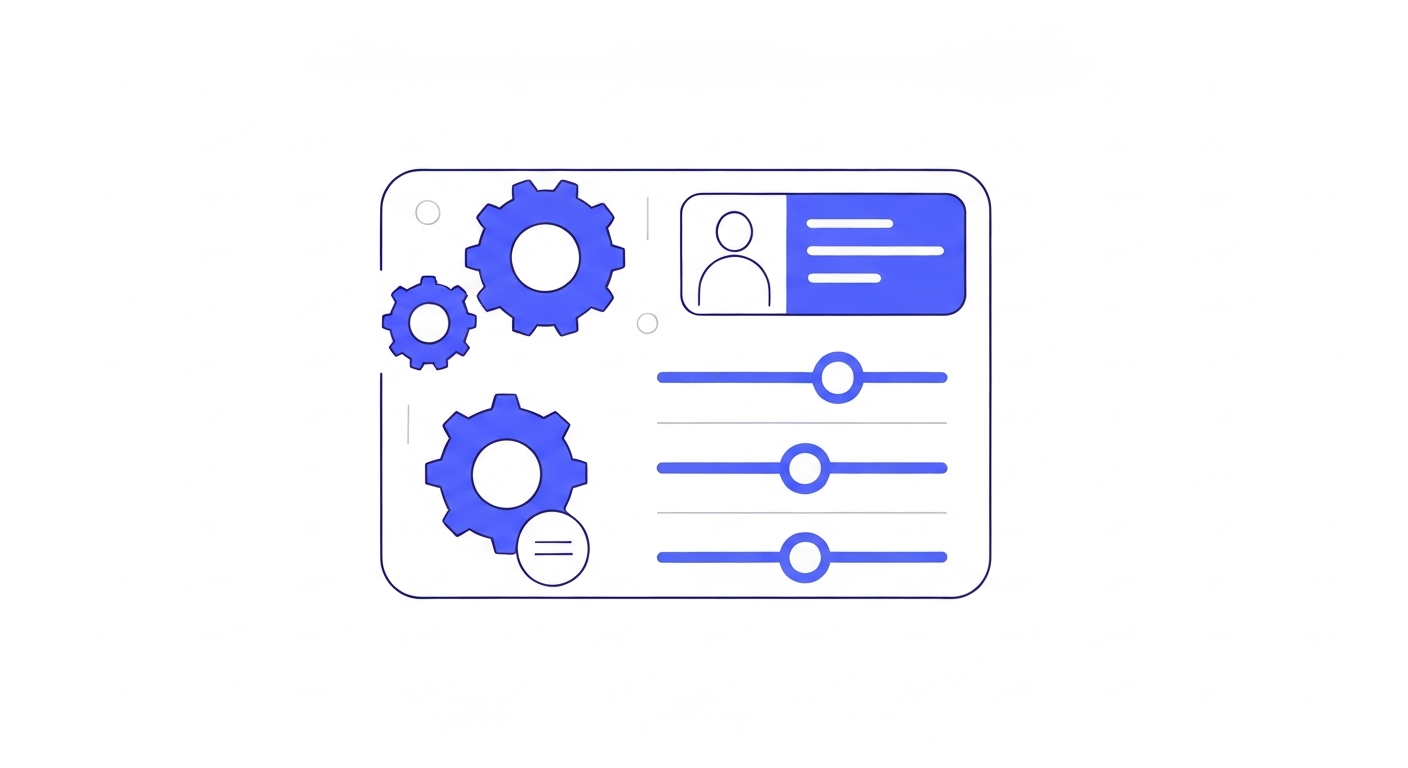
Before you start sending messages or building funnels, it's crucial to ensure your company profile is accurate. This information is used across the platform for variables, email footers, and compliance.
Step 1: Go to Business Info
Navigate to Settings > Business Profile in the left-hand menu.
Step 2: Upload Your Logo
Click on the placeholder logo to upload your company's logo. This logo will automatically populate in webchat widgets, invoice headers, and email templates.
Step 3: Update Business Details
Fill in your legal business name, contact phone number, company email, and physical address. Ensure your Timezone is set correctly, as this dictates when your calendar appointments and automated messages are scheduled.
Step 4: Save Changes
Scroll to the bottom and click Update Company Data to save your changes.
Was this article helpful?
New to CastaLink? Discover how our all-in-one platform can help you capture and close more leads.
Learn More