LeadConnector Mobile App Quick Start Guide
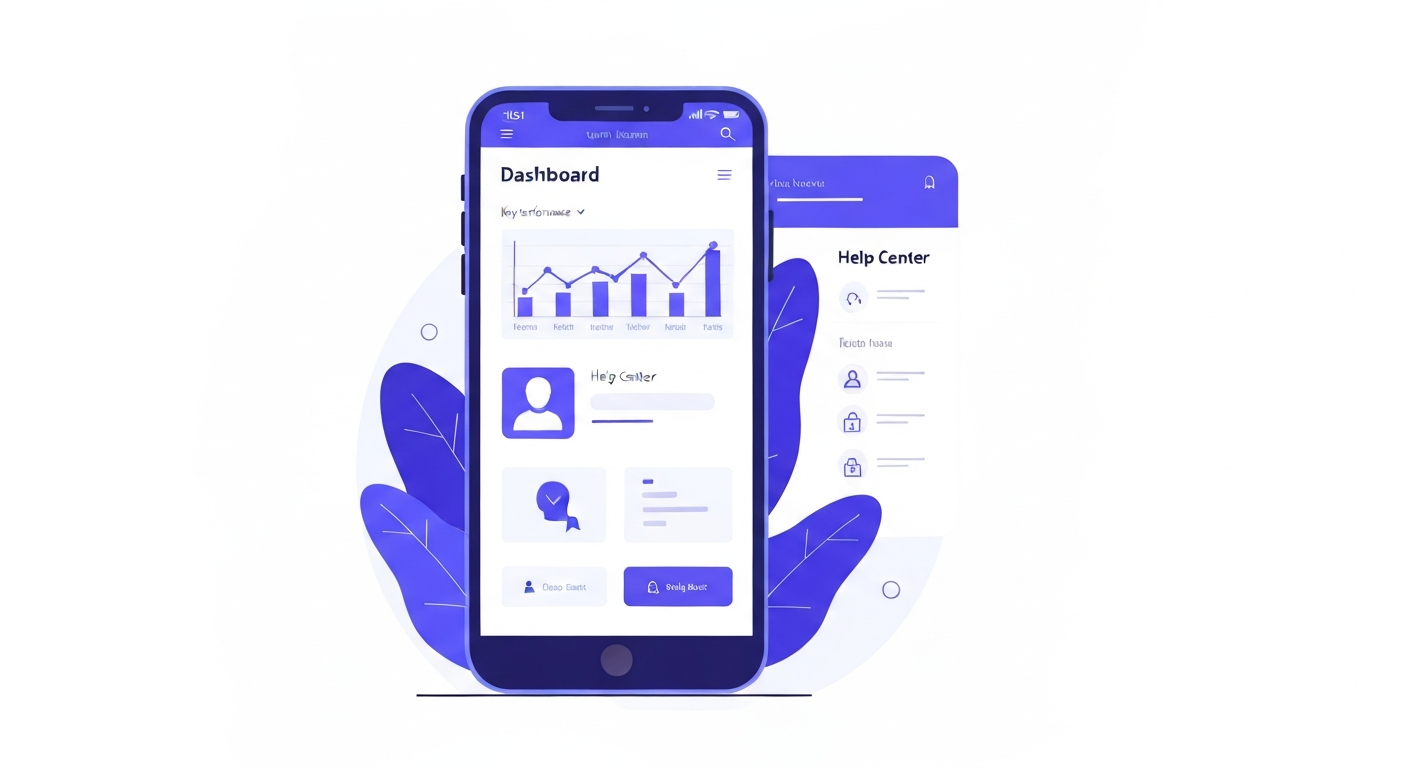
The mobile app allows you to manage conversations, view your calendar, and handle leads from anywhere.
Step 1: Download the App
Search for "LeadConnector" in the Apple App Store or Google Play Store and download the app.
Step 2: Log In
Use the same email address and password you use to access the CastaLink web dashboard.
Step 3: Enable Notifications
When prompted, allow push notifications so you never miss a new lead, text message, or appointment booking.
Was this article helpful?
New to CastaLink? Discover how our all-in-one platform can help you capture and close more leads.
Learn More