Navigating the CastaLink Dashboard
Welcome to CastaLink! The dashboard is your central hub for monitoring your business's health, incoming leads, and recent activity. Let's take a quick tour of what you'll see when you log in.
The Left Navigation Menu
The left-hand sidebar is your primary way to move around the platform. Here you'll find links to your Conversations (Unified Inbox), Calendars, Contacts (CRM), Opportunities (Pipelines), Payments, Marketing, Automations, and Sites (Funnels & Websites).
Opportunities & Pipeline Value
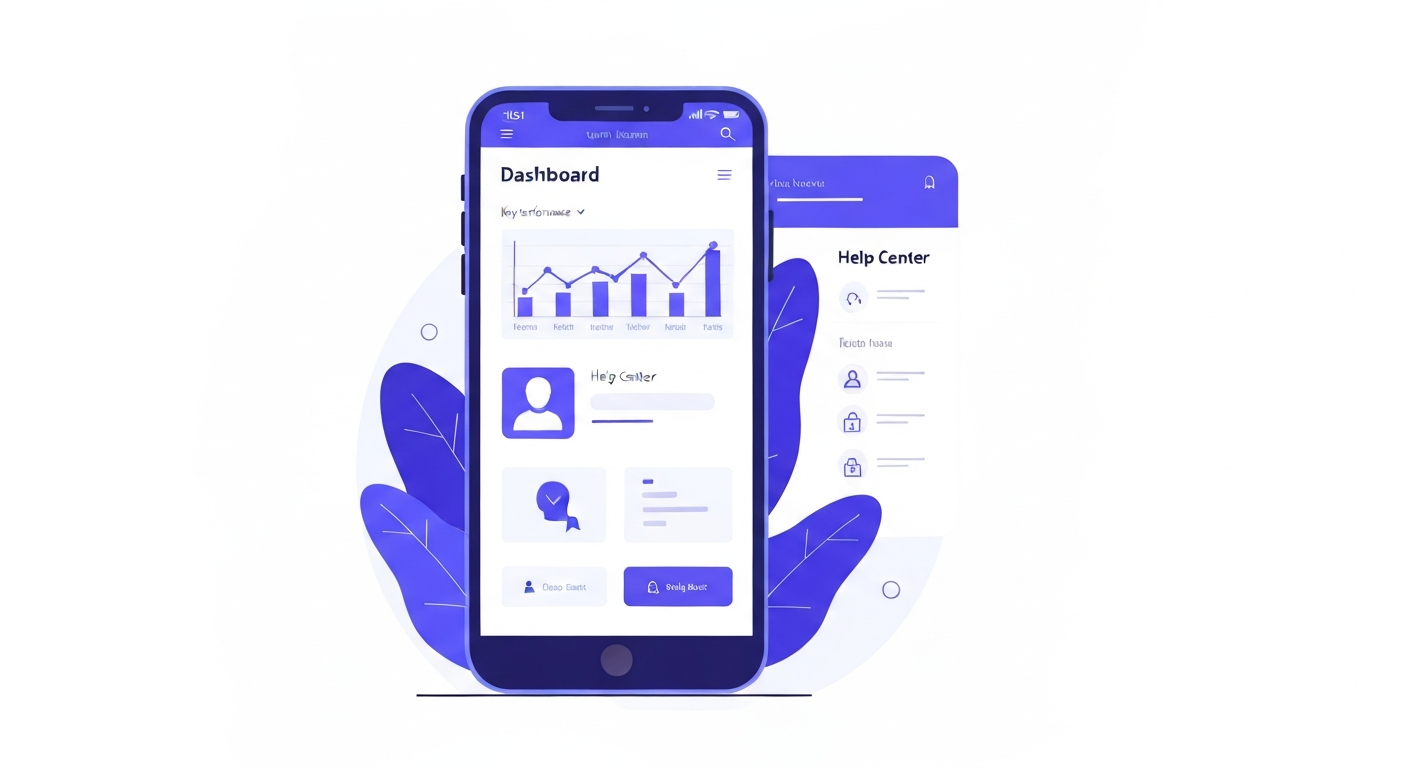
At the top of your dashboard, you'll see a summary of your sales pipeline. This shows the total number of open opportunities, their potential monetary value, and your overall conversion rate.
Tasks & Manual Actions
If you or your team have tasks assigned (like "Call back John Doe"), they will appear in the Tasks widget. Manual Actions shows a queue of calls or SMS messages that need to be executed sequentially.
Settings
At the very bottom of the left menu is the Settings button. This is where you configure your company details, phone numbers, integrations, calendars, and team members.