Using Notes and Tasks
While automations handle the heavy lifting, sometimes you need to leave manual notes or schedule a specific task for a sales rep.
Adding Internal Notes
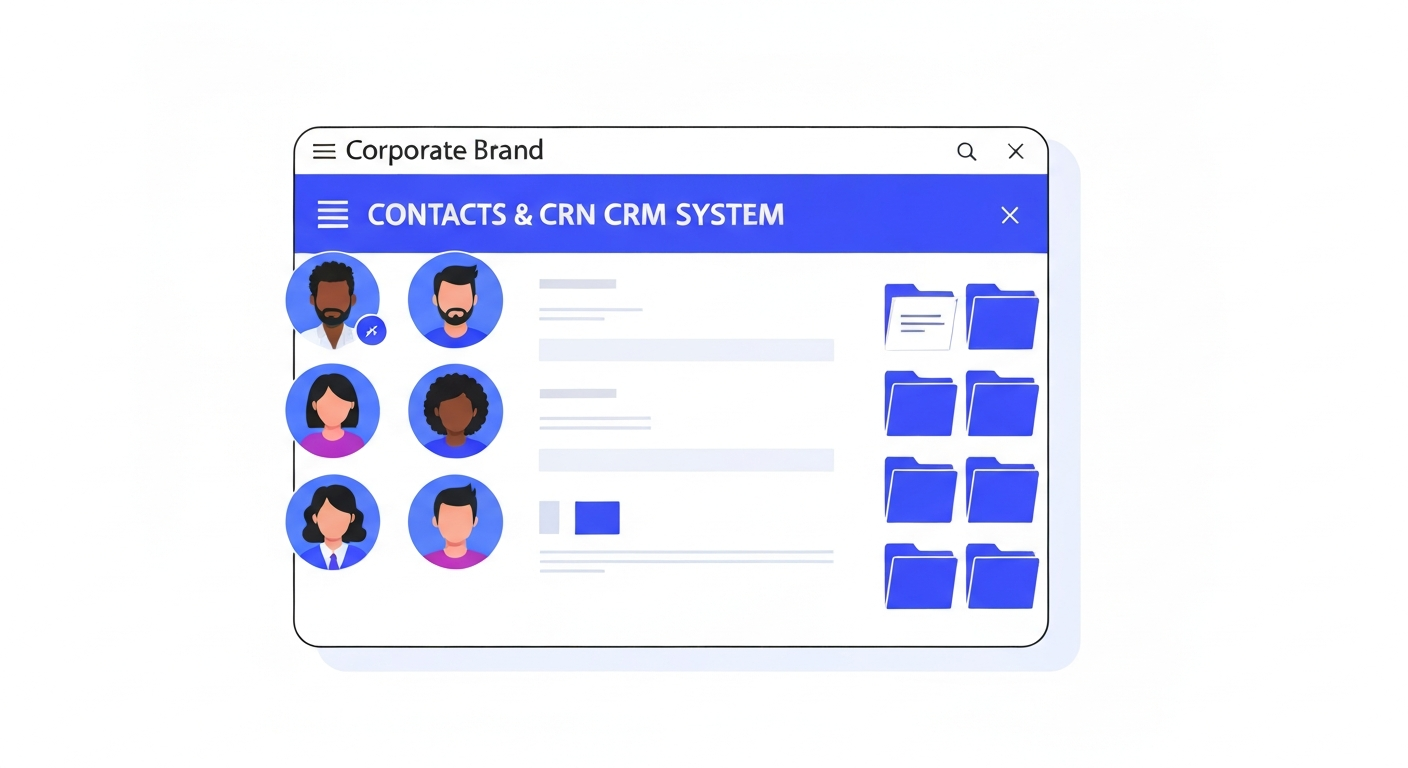
Open a contact record and look at the right-hand panel. Click the Notes tab. Add your notes here (e.g., "Prefers to be called on weekends"). These are internal and never seen by the customer.
Assigning Tasks
Switch to the Tasks tab. Create a new task, give it a title (e.g., "Send custom quote"), assign it to a specific team member, and set a due date. It will appear on their main dashboard.
Was this article helpful?
New to CastaLink? Discover how our all-in-one platform can help you capture and close more leads.
Learn More