Managing B2B Company Records
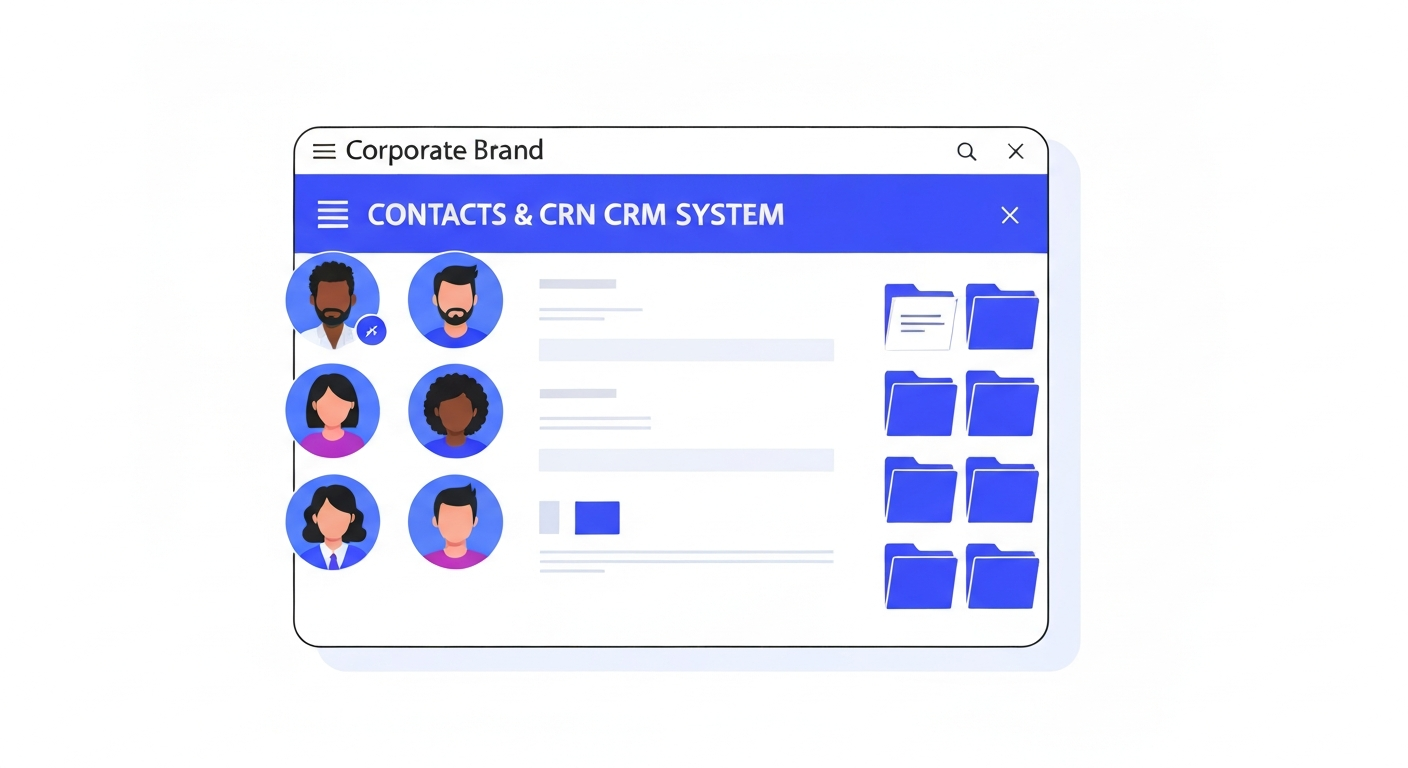
If you sell B2B, you often deal with multiple people at the same organization. The Companies feature helps you group them together.
Creating a Company
Navigate to Contacts > Companies. Click Add Company and fill in the details like Company Name, Website, and Address.
Linking Contacts
Open a contact record. In the left panel under their name, click Add Company. Search for the company you just created to link them. Now, you can view all employees associated with that business from the Company record.
Was this article helpful?
New to CastaLink? Discover how our all-in-one platform can help you capture and close more leads.
Learn More