Requesting Payments Directly from the Inbox
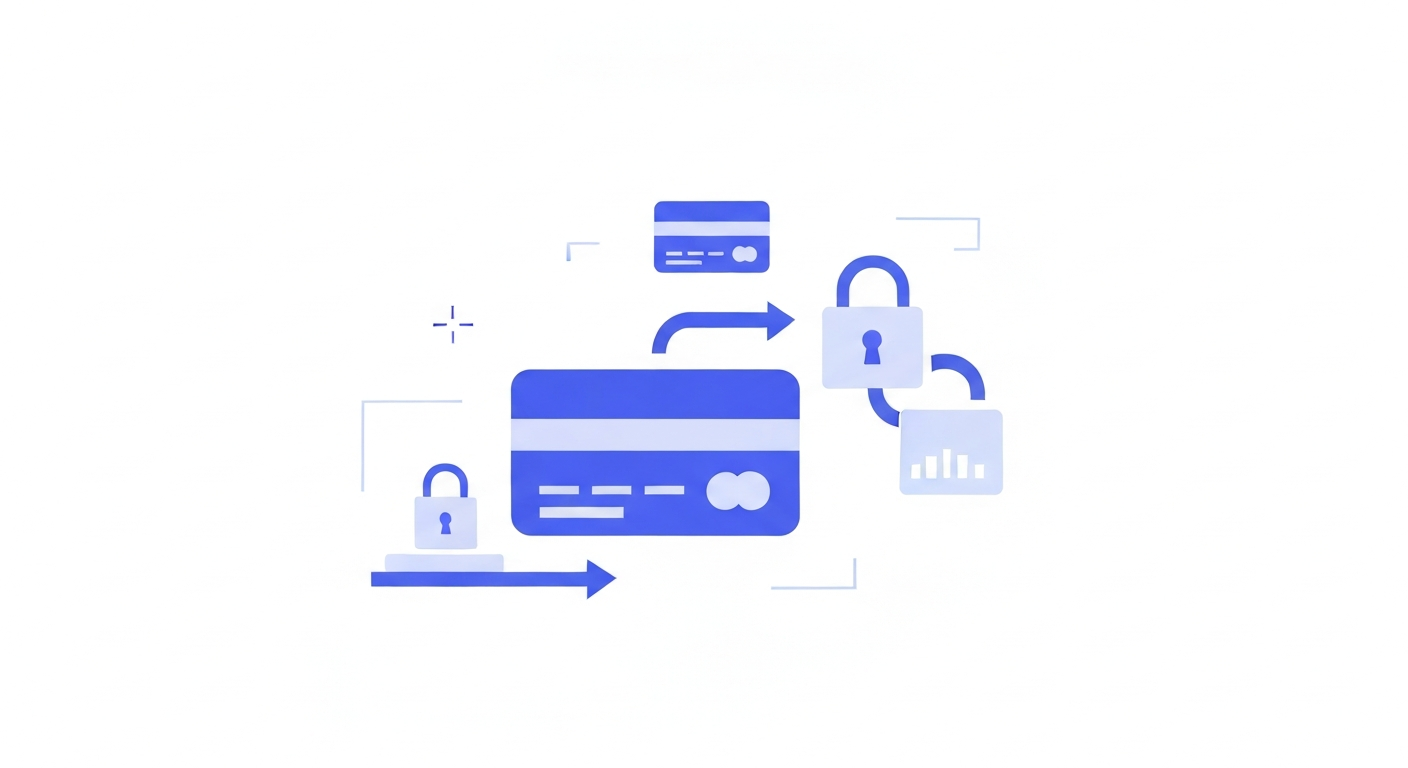
Closing a deal over text? You can generate and send a secure Stripe or PayPal payment link directly within the chat thread.
Step 1: Click the Payment Icon
At the bottom of the chat window, next to the attachment and template icons, click the Request Payment icon (it looks like a dollar sign or credit card).
Step 2: Enter Item Details
A popup will appear. Enter the item name (e.g., "Consultation Fee"), the price, and an optional invoice due date.
Step 3: Generate and Send
Click Generate Link. The system will automatically insert a short, secure payment URL into your text box. Add any accompanying message and hit send. When the client pays, you'll see a success receipt right in the chat!
Was this article helpful?
New to CastaLink? Discover how our all-in-one platform can help you capture and close more leads.
Learn More