Managing Email Threads and Signatures
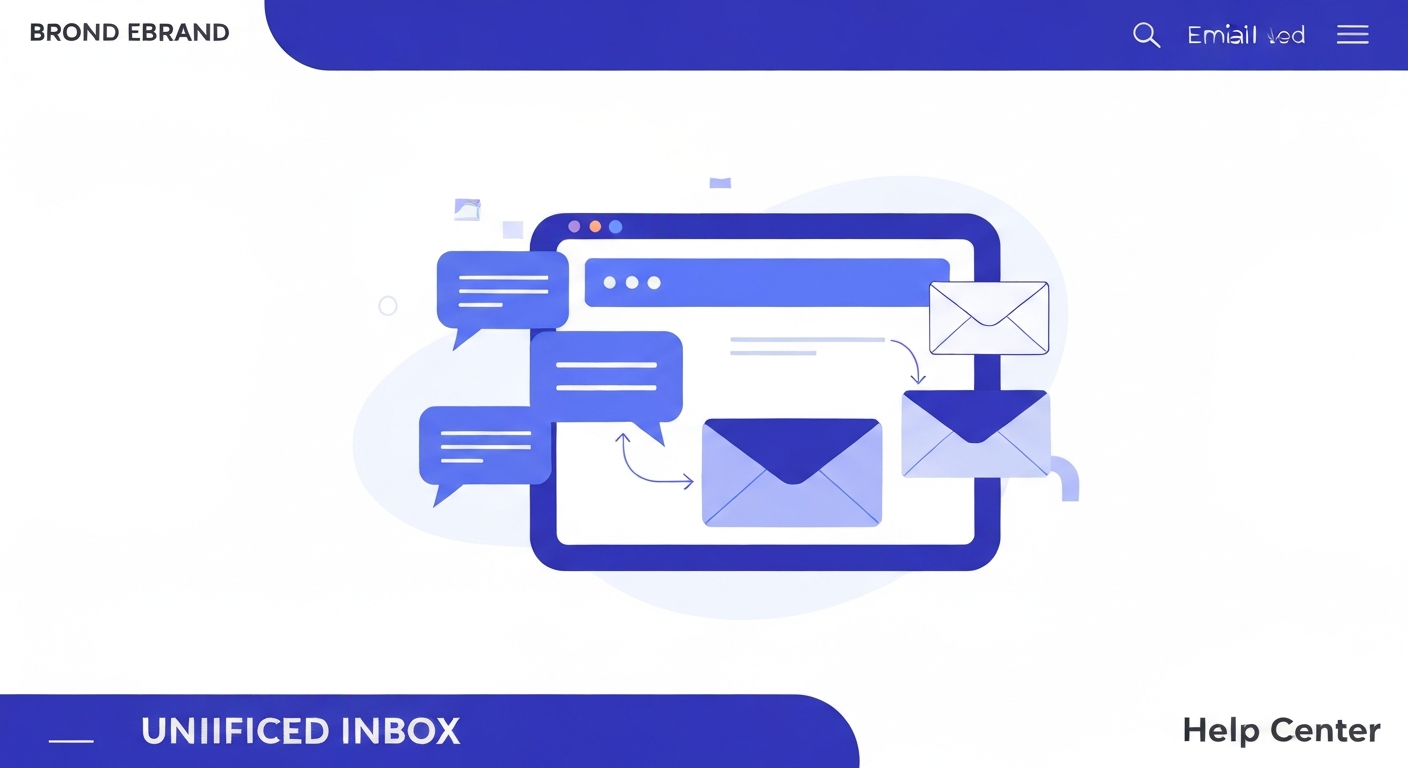
The Unified Inbox seamlessly handles both quick text messages and long-form email threads.
Switching Between SMS and Email
At the bottom of the chat window, you'll see tabs for SMS and Email. Click the Email tab to expand the composer. Here you can add a subject line, CC/BCC recipients, and use rich text formatting (bold, italics, bullet points).
Setting Up Your Email Signature
To ensure your emails look professional, set up your signature by navigating to Settings > My Profile. Scroll down to the Email Signature box. You can add your name, title, contact info, and even insert an image or logo. Check the box to "Include signature on all outgoing emails" to apply it automatically.
Was this article helpful?
New to CastaLink? Discover how our all-in-one platform can help you capture and close more leads.
Learn More