How to Reduce No-Shows by 80% with Automated Appointment Reminders
Stop losing revenue to no-shows. Learn how automated SMS and email appointment reminders cut no-show rates by up to 80% for local service businesses. Powered by CastaLink.
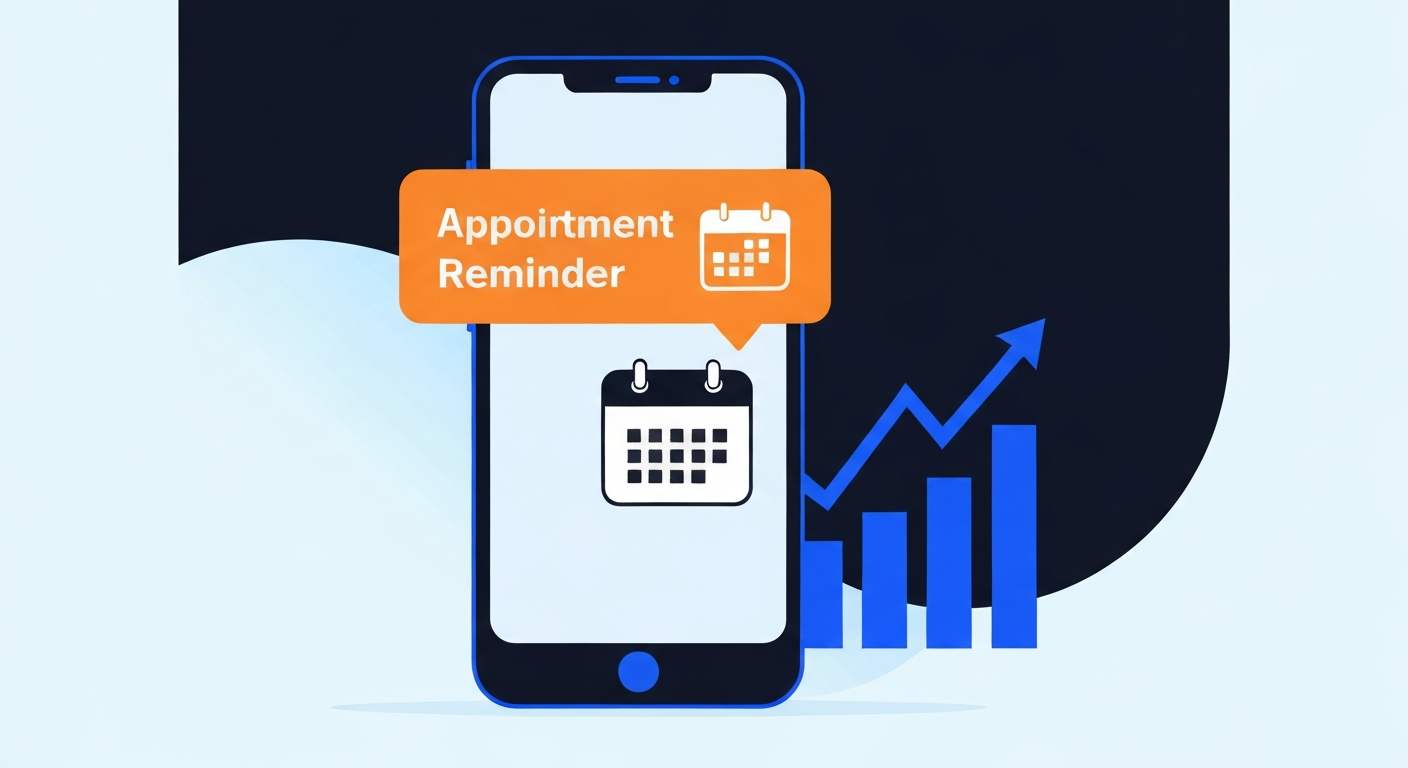
Let's do some quick math. If you run a local service business and have just 3 no-shows per week at $150 per appointment, that is $23,400 in lost revenue every single year. That's money that vanished because a client simply forgot to show up.
It's frustrating, it wastes your staff's time, and it hurts your bottom line. But here is the good news: you can reduce no-shows with automated appointment reminders. By implementing a simple, automated sequence, local businesses are cutting their no-show rates by up to 80% and reclaiming tens of thousands of dollars in lost revenue.
Table of Contents
The Real Cost of No-Shows for Local Service Businesses
Most business owners severely underestimate the financial impact of missed appointments. It's not just an annoyance; it is a direct hit to your profitability.
How to Calculate Your Annual No-Show Revenue Loss
To understand the true cost, you need to look at the math. A single missed appointment might seem like a small bump in the road, but compounded over 52 weeks, the numbers are staggering.
| No-Shows Per Week | Avg. Appointment Value | Annual Revenue Lost |
|---|---|---|
| 1 no-show/wk | $100 | $5,200 |
| 2 no-shows/wk | $150 | $15,600 |
| 3 no-shows/wk | $150 | $23,400 |
| 5 no-shows/wk | $250 | $65,000 |
The Hidden Costs Beyond the Missed Appointment
The lost revenue is just the beginning. A no-show also means paying staff to stand around, wasting marketing dollars spent to acquire that lead, and turning away a paying customer who could have taken that slot. That's why you must capture every lead before they book an appointment and ensure they actually show up.
Why Clients No-Show (It's Not Always What You Think)
It's easy to assume that clients who no-show are disrespectful of your time. While that happens, the reality is usually much simpler.
The #1 Reason Clients Miss Appointments
They simply forgot. An appointment made three weeks ago easily slips a client's mind. Studies show that forgetfulness accounts for over 60% of all missed appointments.
Why a Single Confirmation Email Isn't Enough Anymore
Sending one email at the time of booking is no longer sufficient. Inboxes are crowded, and emails get buried. To effectively combat forgetfulness, you need a multi-touchpoint strategy that reaches clients where they actually look: their phones.
The Perfect Appointment Reminder Sequence
The goal is to keep the appointment top-of-mind without being annoying. A strategic combination of email and SMS is the proven way to reduce no-shows by 80%.
Reminder #1 — 48 Hours Before (Email)
This is the gentle nudge. It gives the client enough time to reschedule if a conflict has arisen, allowing you to fill their spot.
📧 48-Hour Email Template:
"Hi [First Name], this is a friendly reminder of your upcoming appointment with [Provider Name] on [Date] at [Time]. If you need to reschedule, please let us know by replying to this email or calling us at [Phone Number]. We look forward to seeing you!"
Reminder #2 — 24 Hours Before (SMS)
This is the critical confirmation step. It requires a direct response to lock in the appointment.
📱 24-Hour SMS Template:
"Hi [First Name], please reply YES to confirm your appointment at [Business Name] tomorrow at [Time]. Reply NO to cancel or reschedule."
Reminder #3 — 2 Hours Before (SMS)
The "on your way" reminder. This ensures they are actually getting in their car and heading to your location.
📱 2-Hour SMS Template:
"Hi [First Name], we'll see you in 2 hours at [Time]! Here is a link to our location: [Google Maps Link]. See you soon!"
The Post-No-Show Rebooking Message
If the worst happens and they don't show up, don't let the lead die. Automatically trigger a rebooking sequence.
📱 Post-No-Show SMS Template:
"Hi [First Name], it looks like we missed you today! We hope everything is okay. Click here to easily reschedule your appointment: [Booking Link]"
This is a core part of building a full automated lead machine—never letting a prospect fall through the cracks.
SMS vs. Email Appointment Reminders: Which Works Better?
Both channels have their place, but when it comes to urgent reminders, the data heavily favors text messaging.
| Metric | SMS (Text Message) | |
|---|---|---|
| Open Rate | 98% | 20% |
| Avg. Response Time | 90 seconds | 90 minutes |
| Best Use Case | Urgent reminders, quick confirmations | Detailed instructions, intake forms |
| Recommended Timing | 24 hrs & 2 hrs before | At booking & 48 hrs before |
How to Set Up Automated Reminders with CastaLink
You don't need a degree in IT to set this up. With CastaLink, you can replace your entire booking and reminder software stack in an afternoon.
Step 1 — Connect Your Calendar
Sync your Google or Outlook calendar directly into CastaLink. This ensures double-bookings are impossible and all appointments are tracked in one central location.
Step 2 — Build Your Reminder Sequence
Use our visual workflow builder to drag and drop the exact sequence outlined above. Set the delays (48 hours, 24 hours, 2 hours) and paste in the templates. The system will automatically insert the client's name and appointment time.
Step 3 — Add the Automatic Rebooking Flow
Set up a trigger so that if an appointment status is changed to "No-Show," the system automatically sends the rebooking text. Once they complete their service, you can even automatically request a Google review after every appointment.
Frequently Asked Questions
What is the best time to send an appointment reminder?
The most effective sequence includes a confirmation email immediately upon booking, an email 48 hours before, an SMS 24 hours before, and a final SMS 2 hours prior to the appointment.
Are SMS reminders better than email reminders?
Yes. SMS reminders have a 98% open rate compared to email's 20%, making them significantly more effective for urgent, time-sensitive notifications like appointment reminders.
Should I allow clients to cancel via text?
Yes. While it may seem counterintuitive, allowing a simple "Reply C to cancel" prevents a no-show and gives you the opportunity to fill that slot with another paying client.
How much revenue can automated reminders save?
For a business averaging 3 no-shows per week at $150 per appointment, reducing no-shows by 80% saves over $18,000 in lost revenue annually.
Do automated reminders sound robotic?
Not if written correctly. Using personalization tags like the client's first name, the specific service, and the provider's name makes automated messages feel personal and helpful.
Written by the CastaLink Team — helping appointment-based businesses eliminate no-shows with automation.
Read More Articles
How to Stop Losing Leads After Hours
Discover how AI booking assistants can capture and convert leads while you sleep.

The 5-Minute Follow-Up Rule is Dead
Why instant text-backs are replacing the traditional 5-minute follow-up rule in local service businesses.
