How to Get More Google Reviews Without Asking Every Customer Manually
Stop asking for reviews manually. Learn how to automate your Google review requests and build a 5-star local reputation on autopilot with CastaLink.
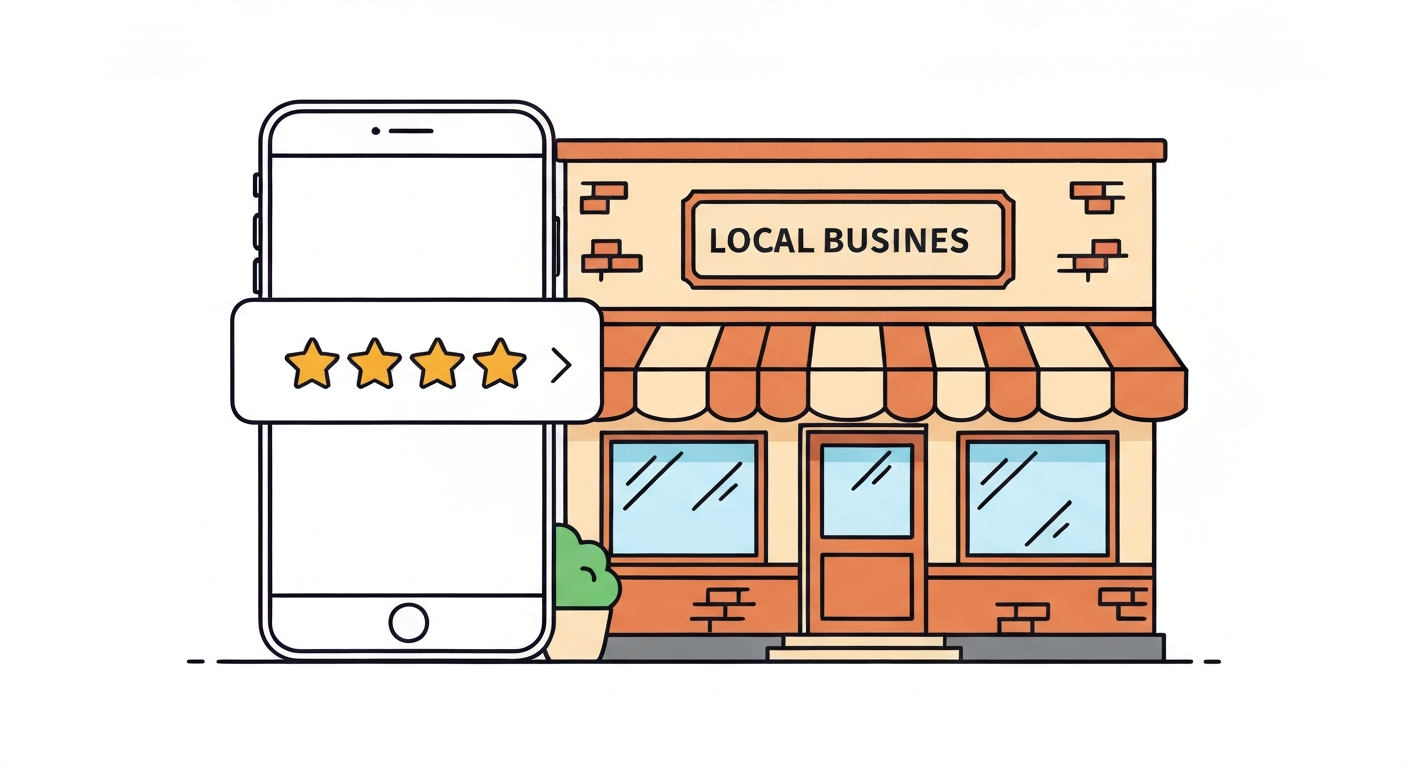
Did you know that 93% of consumers read online reviews before choosing a local business? It's the ultimate digital word-of-mouth. But if you're like most small business owners, figuring out how to get more Google reviews for small business growth feels like a constant, awkward chore.
Asking customers face-to-face is uncomfortable. Remembering to email them later is nearly impossible when you're busy running the day-to-day operations. The good news? You don't have to do it manually anymore. By automating the process, you can build a 5-star reputation consistently while focusing on the work you actually enjoy.
Table of Contents
Why Google Reviews Are the #1 Factor for Local Business Growth
Google reviews are the single most powerful driver of local search visibility and customer trust. They tell search engines you are relevant and tell customers you are reliable.
How Reviews Directly Affect Your Google Search Rankings
Google's algorithm prioritizes businesses with a high volume of positive reviews. When someone searches for "plumber near me," Google looks at your review count and average rating to determine if you deserve a spot in the coveted "Local Pack" (the top 3 map results).
If your competitors have 100+ reviews and you only have 12, they will outrank you almost every time. To truly dominate local search, you must replace your entire review tool stack with one platform that consistently generates fresh feedback.
The Trust Factor — What Customers Do Before They Call You
Before a prospect ever picks up the phone, they've already judged your business based on your Google Business Profile. If you have a 4.8-star rating, trust is established instantly. If you have no recent reviews, they will click back and call the next business on the list.
This is exactly why it's critical to capture leads the moment they contact you—because they've already chosen you based on your stellar reputation.
The Problem with Asking for Reviews Manually
Relying on manual review requests is the fastest way to stall your local SEO growth. It's inconsistent, stressful, and rarely produces the volume you need.
Why Most Businesses Give Up on Review Collection
You finish a great job, the client is thrilled, and you ask them to leave a review. They say "absolutely!"... and then they forget. Following up feels pushy. Over time, you stop asking altogether because the effort doesn't match the return.
This manual friction is why so many amazing local businesses have terrible online profiles.
The "Review Velocity" Problem (Consistency Beats Volume)
Google doesn't just care about how many reviews you have; it cares about when you got them. This is called review velocity. A business that gets 2 reviews every week will outrank a business that got 50 reviews two years ago and none since.
Manual collection leads to spikes and long dry spells. Automation ensures a steady, consistent drip of fresh reviews that Google loves.
How to Automate Your Google Review Requests
Automating your review requests ensures every single customer is asked at the perfect moment, without you ever having to remember or feel awkward.
The Best Time to Send a Review Request (Timing Is Everything)
The golden window for asking for a review is within 1 to 24 hours after the service is completed. Their positive emotions are highest, and the details of your excellent service are fresh in their mind.
If you wait a week, the moment has passed. By setting up an automated lead machine for your business, the request triggers the second you mark the job as "done" in your CRM.
SMS vs. Email Review Requests — Which Converts Better?
While email is good, SMS is king for review generation. Text messages have a 98% open rate compared to email's 20%. When a customer gets a text with a direct link to your Google profile, they can leave a 5-star rating in under 30 seconds while waiting in line for coffee.
Just like sending automated appointment reminders to reduce no-shows, SMS cuts through the noise.
What a High-Converting Review Request Looks Like
Keep it short, personal, and include exactly one link. Here are three proven templates you can steal today:
📱 SMS Template 1 (Casual & Friendly):
"Hi [First Name], thanks for choosing [Business Name]! If you were happy with our service today, would you mind taking 30 seconds to leave us a quick Google review? It helps our small business immensely! [Google Link]"
📱 SMS Template 2 (Direct & Professional):
"Hi [First Name], it was a pleasure working with you today. We rely on feedback from great customers like you. Please leave us a review here: [Google Link]. Thank you! — The [Business Name] Team"
📧 Email Template:
"Subject: How did we do today, [First Name]?
Hi [First Name],
Thank you for trusting [Business Name] with your recent service. We are constantly striving to provide the best experience possible.
If you have 60 seconds, we would be incredibly grateful if you could share your experience on Google. Your feedback helps other local residents find reliable service.
Click here to leave a review: [Google Link]
Thank you for your support!
[Your Name]"
How to Respond to Reviews for Maximum SEO Benefit
Getting the review is only half the battle. Responding to them proves to Google that your business is active and shows future customers that you care.
Why Responding to Reviews Boosts Your Google Rankings
Google has explicitly stated that businesses that respond to reviews improve their local SEO. It signals engagement. Plus, it gives you a natural opportunity to include relevant keywords in your responses (e.g., "glad we could fix your AC unit in Austin").
Template for Responding to Positive Reviews
Don't just say "thanks." Personalize it and reinforce the service provided.
✅ Positive Response Template:
"Hi [Name], thank you so much for the 5-star review! We're thrilled to hear you were happy with our [specific service mentioned]. It was a pleasure working with you, and we look forward to helping you again in the future!"
How to Handle a Negative Review Without Losing Future Customers
A negative review isn't the end of the world—it's an opportunity to show your professionalism. Never argue online. Take the conversation offline immediately.
⚠️ Negative Response Template:
"Hi [Name], we are very sorry to hear about your experience. Providing excellent service is our top priority, and we clearly fell short here. We would love the opportunity to make this right. Please call our office directly at [Phone Number] so we can resolve this for you immediately."
How CastaLink Automates Your Entire Reputation System
You don't need a dedicated marketing manager to build a 5-star reputation. You just need the right system.
Set It Up Once — Collect Reviews on Autopilot
With CastaLink, the entire process is hands-off. When a job is completed, the system automatically sends a personalized SMS and email request. If they don't click, it follows up gently a few days later. You can even manage and reply to all your reviews directly from one unified dashboard.
| Feature | Manual Collection | Automated (CastaLink) |
|---|---|---|
| Timing | Whenever you remember | Instantly after service |
| Consistency | Spotty (dry spells) | 100% consistent velocity |
| Follow-Up | Awkward & rarely done | Automatic & polite |
| Time Required | Hours per week | Zero (Runs in background) |
Stop leaving your online reputation to chance. Start automating your review requests and watch your local rankings soar.
Frequently Asked Questions
How do I ask for a Google review without sounding pushy?
The best way is to frame it as a favor that helps other local customers find reliable service. Automating the request via SMS right after the job is completed also removes the face-to-face awkwardness.
Is it better to ask for reviews via text or email?
Text messages (SMS) have a 98% open rate compared to 20% for email, making SMS significantly more effective for collecting Google reviews quickly.
Can I offer discounts or incentives for Google reviews?
No. Google's terms of service strictly prohibit offering incentives (like discounts or freebies) in exchange for reviews. Doing so can get your profile suspended.
How many Google reviews do I need to rank higher?
There is no magic number. You need a consistent velocity of new reviews and a higher total count than your top 3 local competitors.
What should I do if I get a fake negative review?
First, respond professionally stating you have no record of them as a customer. Then, flag the review in your Google Business Profile dashboard for removal.
Written by the CastaLink Team — helping local businesses build 5-star reputations on autopilot.
Read More Articles

How to Stop Losing Leads After Hours
Discover how AI booking assistants can capture and convert leads while you sleep.

The 5-Minute Follow-Up Rule is Dead
Why instant text-backs are replacing the traditional 5-minute follow-up rule in local service businesses.